
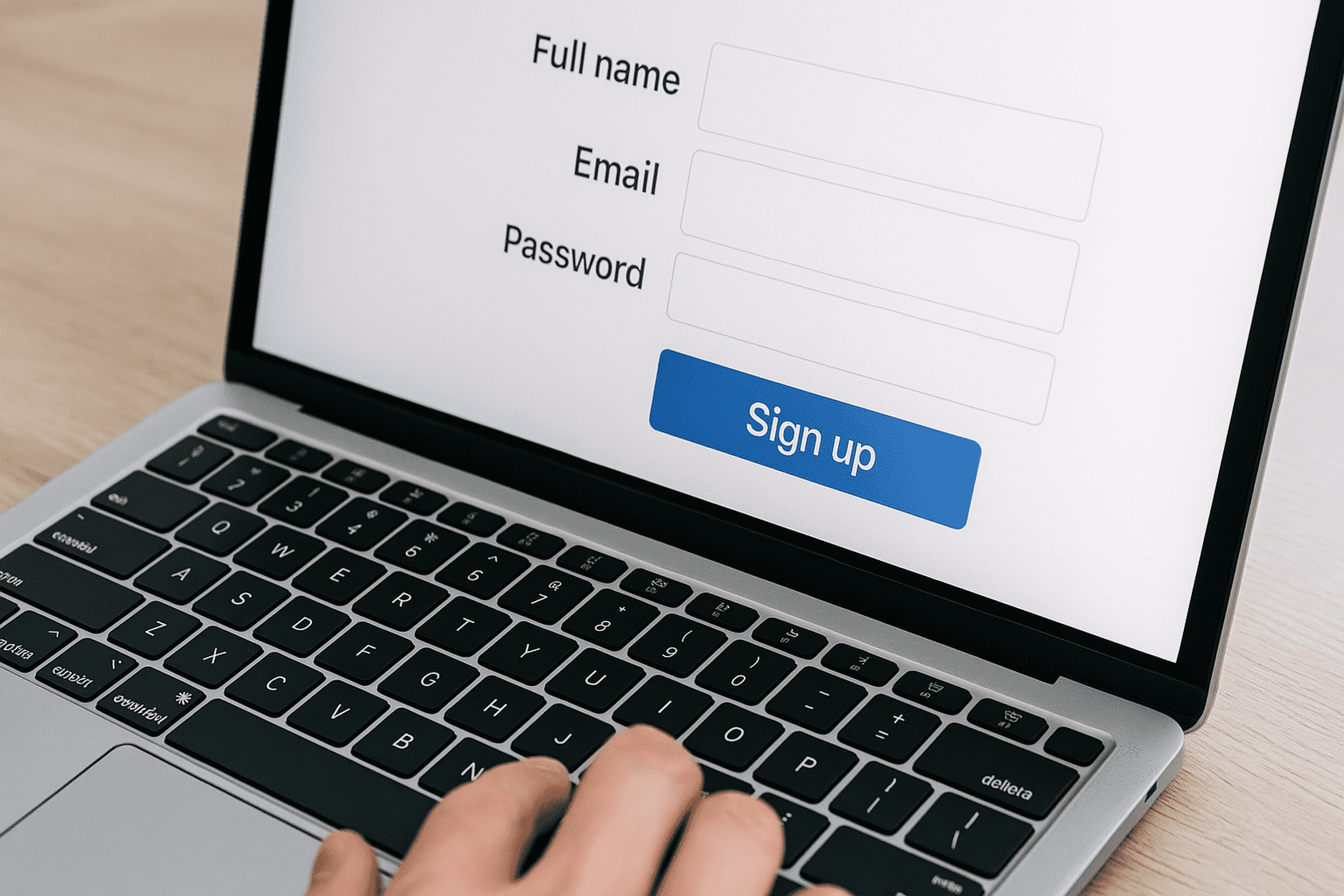
Streamline Online Sign-Ups Without Inbox Overload
Streamline Online Sign-Ups Without Inbox Overload 📨✨
You find a great deal online—maybe a 10% discount, a free template, or a trial for a new app. All you have to do is hand over your email. Simple, right?
But soon after, your inbox starts overflowing. Newsletters, promo blasts, reminders, “partner offers”… it feels less like a neat mailbox and more like a traffic jam of unwanted messages. 🚦
The truth is: you don’t have to give up on online sign-ups—you just need smarter ways to manage them. Here’s how you can enjoy the perks of sign-ups without losing control of your inbox.
1. Use Temporary Emails for One-Time Needs
A temporary email works like a throwaway ticket 🎟️—you use it once, and then it doesn’t matter what happens afterward.
Example: You’re downloading a free eBook. Instead of giving your real inbox, you generate a temporary email address, get the download link, and when marketing emails start rolling in, they go to an inbox you’ll never open again.
2. Create Aliases for Different Categories
An alias acts like an extra door into your inbox, but you choose how it’s labeled.
Example: If your email is alex@gmail.com, you can sign up for shopping sites with alex+shopping@gmail.com. When all those online stores start sending promotions, you know exactly where they came from and can filter them into a “Shopping” folder automatically.
3. Apply Filters to Organize Automatically
Filters are like personal assistants at your inbox door—they decide where each message goes the moment it arrives.
Example: You set up a rule that sends any email with the word “Sale” or “Discount” in the subject straight to your Promotions folder. This keeps your main inbox clean and ensures only important messages stay front and center.
4. Keep a Dedicated “Sign-Up” Inbox
Sometimes the simplest solution is to keep a separate email account purely for sign-ups.
Example: You create alexsignup@email.com and only use it for trials, free downloads, and shopping. When you want to check for updates or coupons, you log into that inbox—but your main email stays reserved for work, family, and important messages.
5. Unsubscribe Strategically
Many sign-ups come with newsletters that you might not need long-term. Taking control early keeps your inbox light.
Example: You joined an online cooking class and receive daily recipes. At first it’s useful, but once the course ends, you hit “Unsubscribe.” Now you only get messages from the sources you really care about.
🧊 How Iceberg Mail Makes It Easy
With Iceberg Mail, you don’t need to juggle multiple apps to stay organized. You can:
Generate disposable emails instantly for one-time sign-ups.
Create aliases for different categories like “Shopping” or “News.”
Set filters that keep your main inbox clutter-free.
It’s like having both a gatekeeper and an organizer at your mailbox—keeping spam out while letting the good stuff in.
✨ Bottom Line
Online sign-ups are everywhere. They unlock free resources, discounts, and opportunities—but they don’t have to bury your inbox in clutter.
Use temporary emails for one-offs.
Use aliases to categorize and track sign-ups.
Use filters to keep promotions out of your main inbox.
Keep a dedicated sign-up account if you want an extra layer of separation.
By combining these tools, your inbox becomes less of a noisy marketplace and more of a calm, well-organized workspace. 🧘♂️📬

