
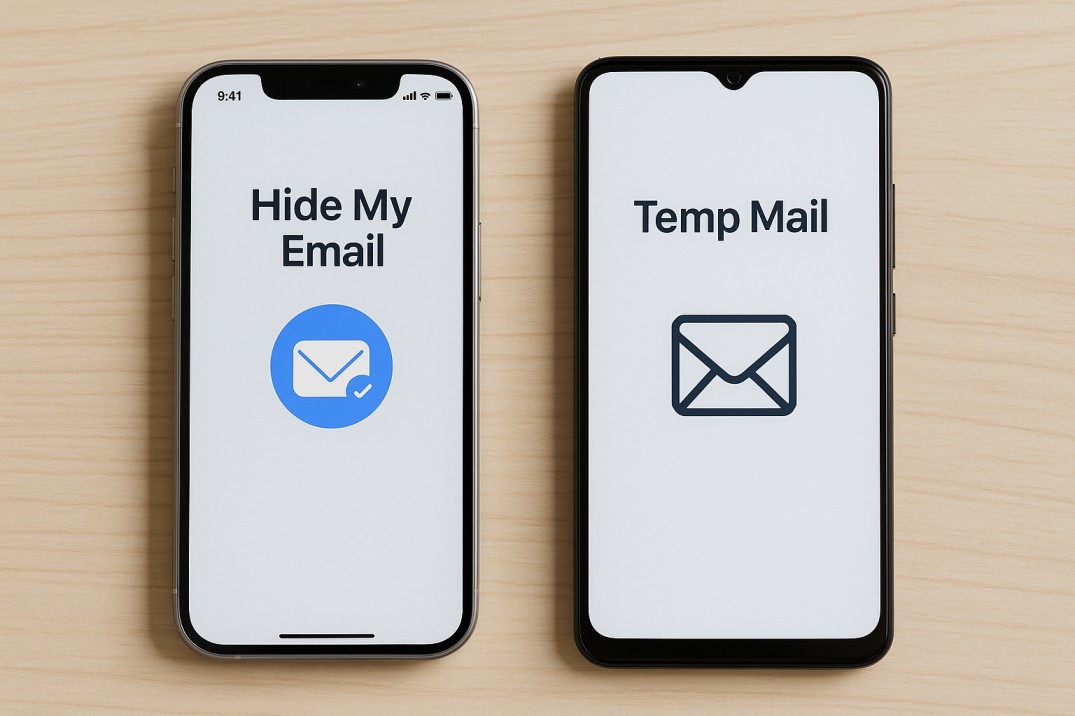
Apple’s Hide My Email vs. Temp Mail Services: Which Should You Use?
Apple’s Hide My Email vs. Temp Mail Services 🍏🛡️📨
Email privacy is no longer optional—it’s essential. Every time you sign up for a new service, your address risks being sold, leaked, or spammed. To fight back, tools like Apple’s Hide My Email and temporary email services offer ways to protect your inbox.
But while both aim to keep your real email private, they work in different ways. Let’s explore the differences, with real-world examples, so you know which tool is right for you.
🚦 The Problem They Solve: Too Much Exposure
Your email address is like your phone number for the internet. 📱 Every time you hand it out, you invite calls, texts—or in this case, newsletters, promos, and even hackers.
Example: You sign up for a free recipe site with your main email. Weeks later, you’re swamped with “partner offers” you never asked for. Both Hide My Email and temp mail exist to prevent this.
🍏 What is Apple’s Hide My Email?
Hide My Email is a feature built into Apple’s iCloud+ subscription. It generates unique, random email addresses that forward to your real inbox.
You can create as many addresses as you like.
Emails sent to those addresses arrive safely in your main inbox.
If an address starts getting spam, you can deactivate it instantly.
Example: You sign up for an online clothing store with random123@icloud.com. If that store leaks your email, spammers hit the fake address—not your real one. You still see important emails, but once spam starts, you disable it.
⏳ What are Temporary Email Services?
Temporary email (temp mail) services generate disposable email addresses that usually last a short time—sometimes minutes, sometimes hours.
No forwarding—emails are read in the temp inbox directly.
Great for one-time use cases like downloads, contests, or quick logins.
Once expired, the inbox is gone forever.
Example: You need to download a free PDF but don’t want to give your personal email. You create fastmail@tempmail.com, receive the download link, and never check it again. Spam emails sent later hit a dead end.
🔒 Security Note (refined): Many free temp mail services are public, meaning anyone who guesses the address could read the inbox. However, some paid or premium services (like SimpleLogin or AnonAddy) offer private, secure disposable addresses. So while temp mail is safe for low-stakes tasks, it’s not recommended for sensitive information.
⚖️ Side-by-Side Comparison
| Feature | Apple’s Hide My Email | Temp Mail Services |
|---|---|---|
| Longevity | Permanent until you deactivate | Short-term (minutes to days) |
| Forwarding | Forwards emails to your real inbox | No forwarding; read directly |
| Control | Can disable anytime | Expires automatically |
| Cost | Requires iCloud+ subscription | Usually free; some secure paid options |
| Security | Private, tied to your Apple ID | Free services often public; premium services are secure |
| Best For | Long-term accounts where you still need access | Quick one-time sign-ups or downloads |
🛠 Real-World Scenarios
Shopping Site Sign-Ups:
Hide My Email: You still want order confirmations and tracking updates, so forwarding is useful.
Temp Mail: If you just want the coupon code and don’t care about future emails.
Free Trials:
Hide My Email: You’ll need login access later, so keep emails forwarded to your inbox.
Temp Mail: If you don’t plan on returning after the freebie.
Newsletters:
Hide My Email: Allows you to unsubscribe or disable later if it gets spammy.
Temp Mail: If you just want one free guide from the sign-up.
🧊 How Iceberg Mail Bridges the Gap
Unlike standard temp mail, Iceberg Mail gives you flexibility:
Generate disposable addresses instantly for short-term sign-ups.
Create aliases that behave more like Hide My Email, forwarding messages safely to your inbox.
Control and customize how long addresses last.
It’s like having both a mask 🎭 (temp mail) and a cloak 🧥 (long-term aliases)—you choose which privacy tool fits the situation.
✨ Bottom Line
Both Apple’s Hide My Email and temporary email services protect your identity, but they serve different purposes:
Hide My Email is best for long-term accounts where you still want emails to reach you.
Temporary Email is perfect for quick, disposable sign-ups you’ll never revisit.
Used together—or with a flexible tool like Iceberg Mail—you can keep your inbox clean, your identity private, and your productivity intact. 🛡️📬

