
Faster Online Tasks With Autofill & Smart Tools (2025 Guide)
Faster Online Tasks With Autofill & Smart Tools ⚡🖱️
You sit down at your computer, ready to get things done. But instead of finishing tasks quickly, you find yourself stuck in a loop: typing the same name, address, or password over and over again. It’s like walking with pebbles in your shoes—small annoyances that slow you down. 👟⏳
This is where autofill and smart tools step in. They’re designed to take care of the repetitive clicks and keystrokes, letting you move through online tasks like you’re on a moving walkway at the airport—smooth, steady, and twice as fast.
🚦 Life Without Autofill: The Slow Lane
Filling in your shipping address for every online order 🛒
Re-entering login details for sites you already use daily 🔑
Copy-pasting the same email replies to routine questions 📧
Example: You shop online and type your name, address, and card details every single time. What should be a 2-minute task takes 10. Multiply that by dozens of checkouts a year—it’s hours wasted.
⚡ Life With Autofill & Smart Tools: The Fast Lane
Autofill and productivity tools work behind the scenes to save you time and reduce errors.
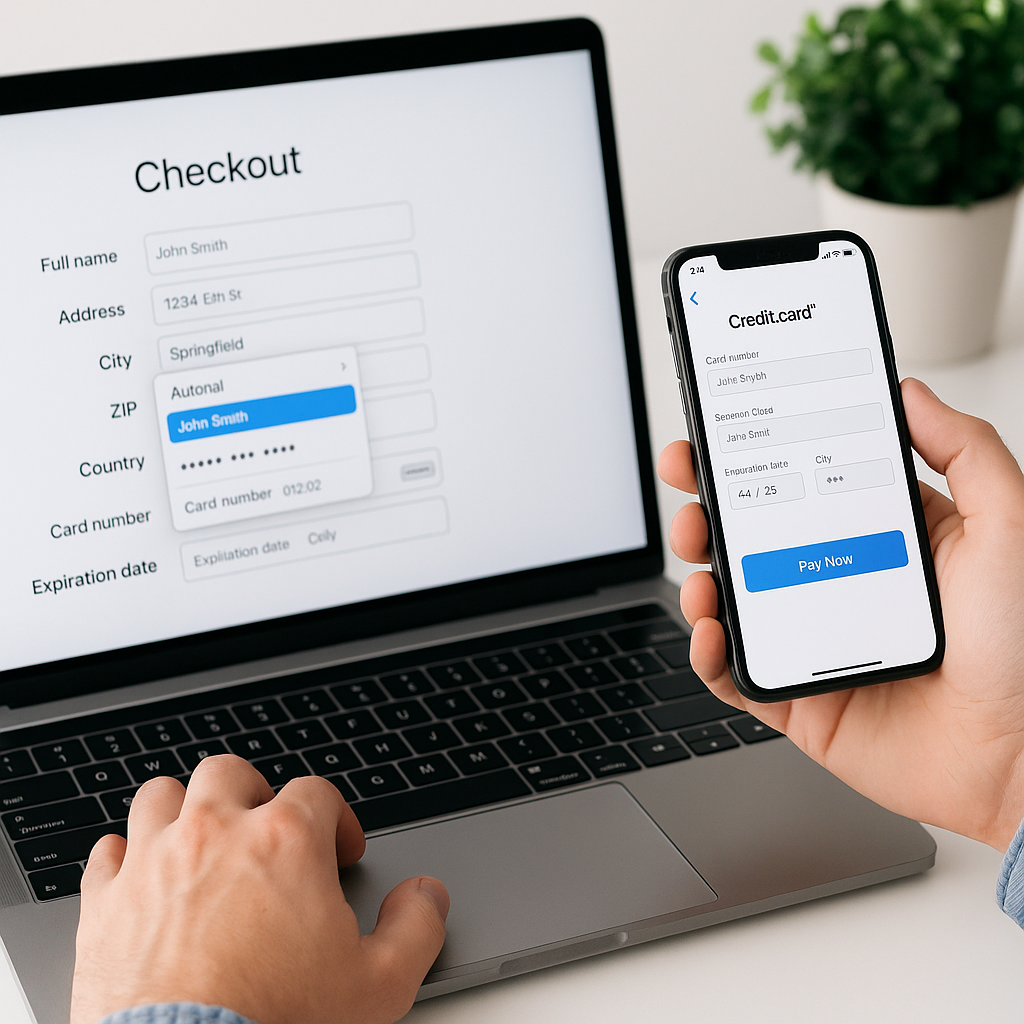
Example: With your browser’s autofill turned on, you land on a checkout page and everything—name, address, card number—is filled in instantly. Instead of 10 minutes, the purchase takes 30 seconds.
🛠 Smart Tools That Save You Time
1. Browser Autofill for Forms
Most browsers (Chrome, Safari, Firefox, Edge) let you save personal details securely for faster form completion. Browsers encrypt this data, but you should still use a master password or device lock for safety. Browsers encrypt this data, but you should still use a master password or device lock for safety.
Example: You apply for a webinar and only type your email address once. Next time, Chrome suggests it automatically—you just click to confirm.
2. Password Managers for Instant Logins
Password managers like 1Password, LastPass, Dashlane, or Bitwarden don’t just store logins—they autofill them. This is safer than reusing passwords across sites.
Example: Instead of typing your username and password on your banking site, your password manager fills them instantly, with stronger, unique credentials every time.
3. Email Templates for Quick Replies
Smart email platforms let you set up canned responses or templates for messages you send often.
Example: If you frequently reply to clients with “Thanks, I’ll get back to you shortly” or provide pricing info, you can save it as a template. Instead of typing it out each time, it’s inserted with two clicks.
4. Calendar Scheduling Tools
Tools like Calendly or Google Calendar’s built-in scheduler save the back-and-forth of finding meeting times.
Example: Instead of exchanging 7 emails to pick a slot, you send one link. The other person picks a time, and it’s added to your calendar automatically.
5. Smart Clipboard Managers
Clipboard managers remember more than just your last copy.
Example: You copy three different links for a report. With a clipboard manager, you paste each one in order without going back and forth to recopy.
✨ Bottom Line
Small, repetitive tasks are productivity killers. But with autofill and smart tools, you:
Fill forms in seconds instead of minutes
Log into accounts securely and instantly
Reply to emails without retyping
Schedule meetings without endless back-and-forth
Copy and paste smarter, not harder
These aren’t just tricks—they’re everyday efficiency upgrades. By adopting them, you’ll move through online tasks faster, safer, and with far less stress.

