
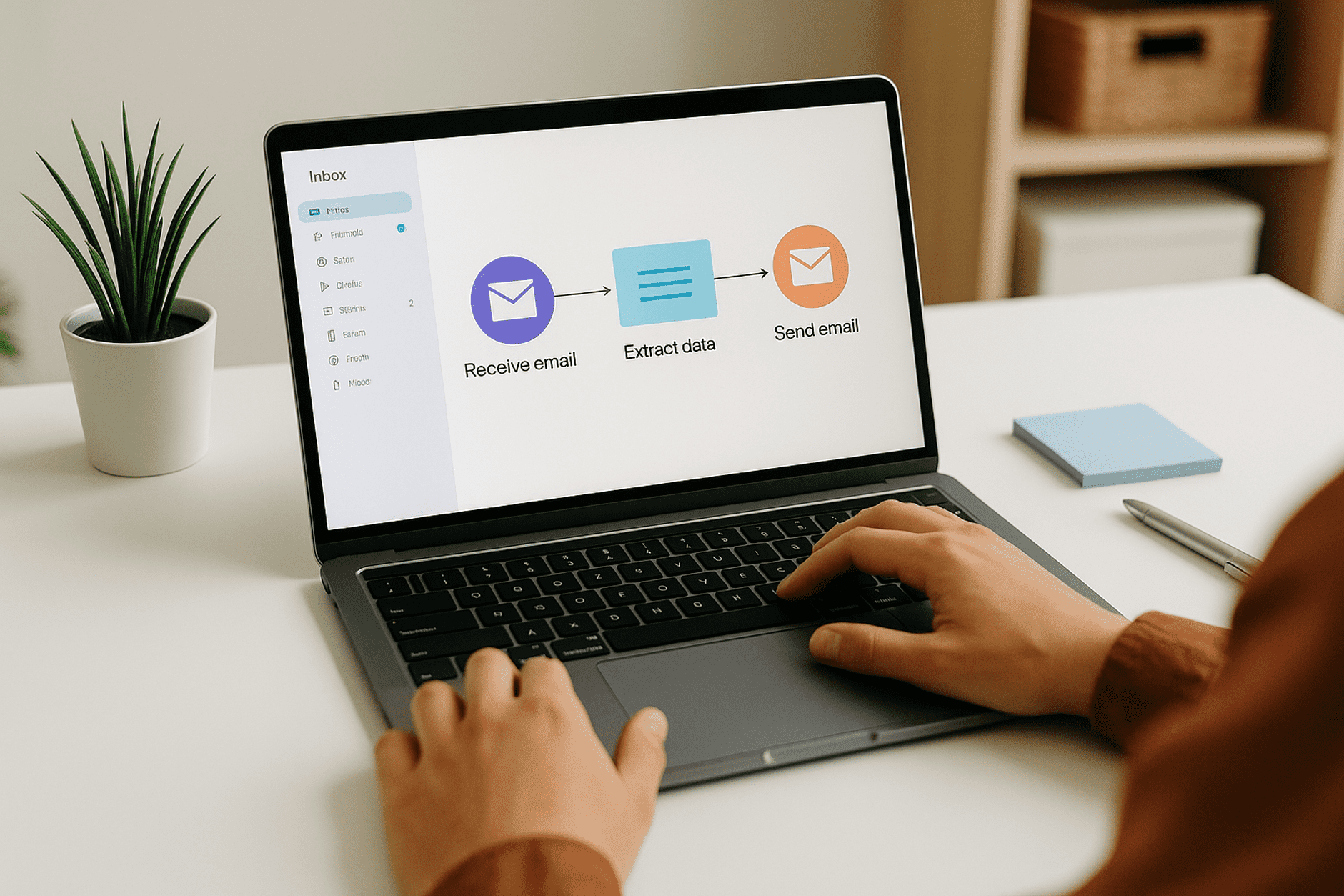
How Automation Can Handle Repetitive Email Tasks
How Automation Can Handle Repetitive Email Tasks 🤖📨
If you’ve ever felt like half your workday disappears into email, you’re not alone. From sorting promotions, replying to the same questions, and forwarding updates, email often feels less like communication and more like digital housekeeping. 🧹
But what if you could offload those repetitive chores to a system that works for you automatically? That’s the promise of email automation—taking the boring, time-consuming tasks off your plate so you can focus on the work that matters.
🚦 Life Before Email Automation
Without automation, your inbox becomes a noisy marketplace:
Sorting newsletters from actual client updates
Manually sending the same “Thanks, I’ll get back to you” replies
Copy-pasting files to send every week
Digging through old threads to find invoices or receipts
Example: Every Monday, you forward last week’s sales report to your team. It takes only a few minutes—but over a year, that adds up to hours of lost time.
⚡ Life After Email Automation
With automation, your inbox behaves like a smart assistant—organizing, responding, and routing things for you.
Example: Instead of manually forwarding reports, you set an automation rule: every Friday, the report is emailed automatically to the entire team. You don’t lift a finger.
🛠 Types of Repetitive Tasks Automation Can Handle
1. Auto-Sorting Incoming Emails
Automation rules can filter, label, or move emails the moment they arrive.
Example: Emails with “Invoice” in the subject go directly into your “Finance” folder. Promotions containing “Sale” or “Discount” get routed to a “Promotions” folder.
2. Auto-Replies for Common Questions
If you frequently get the same questions, canned responses or auto-replies save you time.
Example: A small business gets daily emails asking about store hours. Instead of typing the same reply, an automation sends back: “Our hours are Mon–Fri, 9 AM to 6 PM.”
3. Scheduled Sends & Reminders
Automation can schedule emails to go out at specific times or remind you to follow up.
Example: You write a proposal Sunday night but schedule it to send Monday morning at 9 AM, so it lands at the top of the client’s inbox.
4. Forwarding & Routing Emails
Automation can redirect emails based on sender or keywords.
Example: Any email from your website’s “Contact Form” automatically forwards to your support team, so you don’t have to manually send them.
5. Cleaning Up Subscriptions
Automation can also unsubscribe or auto-archive recurring newsletters.
Example: You set a rule to archive all newsletters after 7 days, so your inbox doesn’t stay cluttered.
✨ Bottom Line
Repetitive email tasks drain your time and energy. But automation turns your inbox into a self-managing system:
Filters keep messages organized
Auto-replies save keystrokes
Scheduling ensures perfect timing
Routing forwards messages to the right place
Cleanup rules keep clutter out
The result? Less stress, more focus, and hours saved each week.
With tools like Iceberg Mail, automation isn’t just for tech experts—it’s for anyone who wants their inbox to feel like a partner, not a burden. 📨💡

