
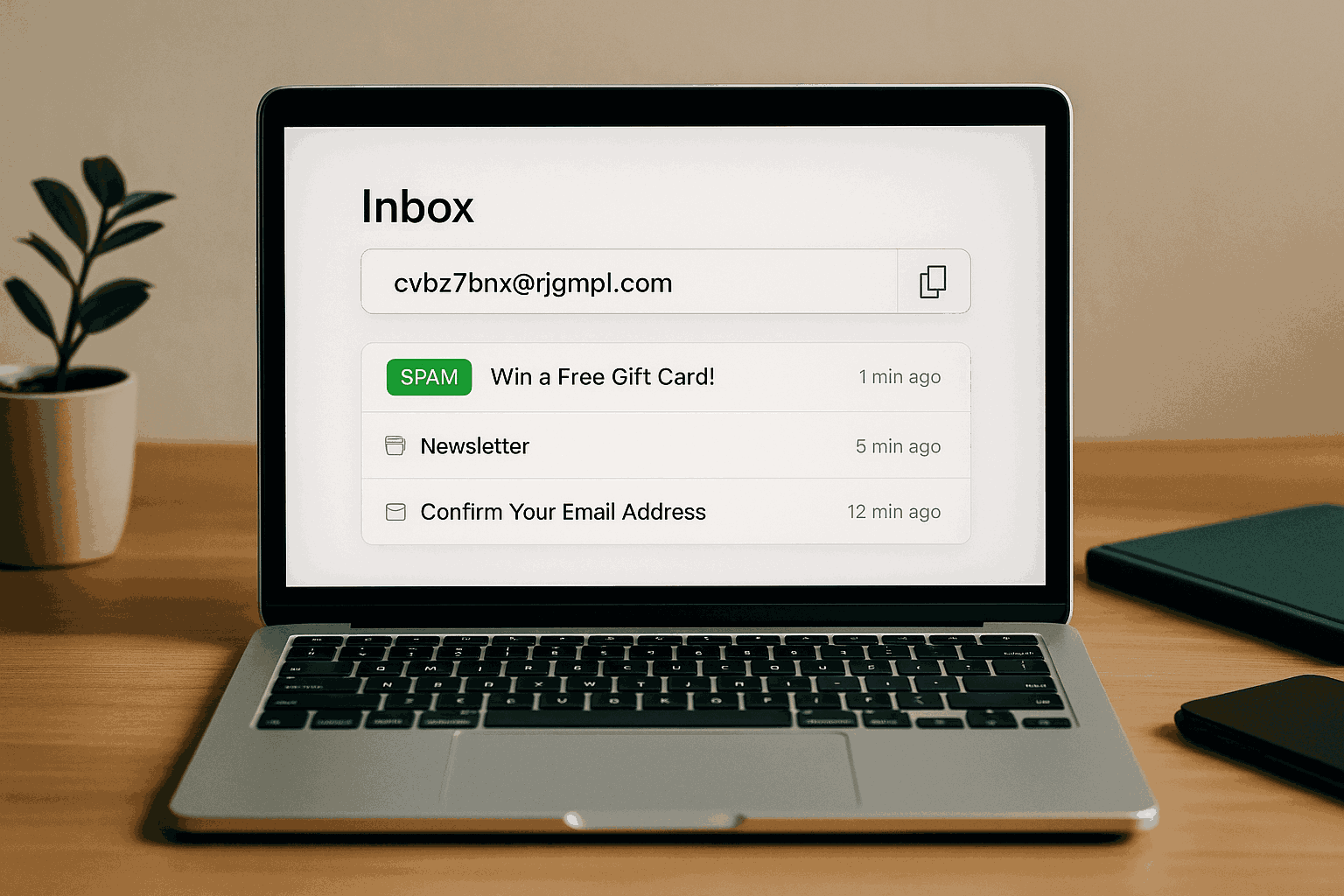
How Temporary Email Blocks Spam in Real Time
How Temporary Email Blocks Spam in Real Time 🕒📨
It starts the same way every time.
You’re scrolling online and stumble across a “free download” button—maybe an ebook, a coupon, or access to an exclusive webinar. All you have to do is enter your email. Easy, right?
So you type in your main email address. ✔️
Fast-forward two days, and suddenly your inbox looks like Times Square at night: flashing promos, newsletters you never asked for, and “special partner offers” from companies you’ve never heard of. 🎇
This is how spam sneaks into your life—not always through shady hackers, but often because you handed your address to one website that shared, sold, or leaked it.
Now, here’s where temporary email steps in like a bouncer at the door. 🛡️
🚪 The Gatekeeper Metaphor
Think of your inbox as a private party. 🎉 Your personal email address is the front door. If you hand out the key to everyone, don’t be surprised when uninvited guests crash the party.
A temporary email address is like giving out a disposable ticket instead. The guest (the website) can enter once, but when the event is over, the ticket becomes useless. No one gets back in.
🕒 Real-Time Spam Blocking in Action
Temporary email doesn’t fight spam by filtering after it arrives—it stops it from ever getting through in the first place. That’s the key difference.
Here’s how it plays out in real-world scenarios:
Example 1: Free Trials
You want to test a new design tool, but you know they’ll email you every week afterward. Instead of risking your real inbox, you use a temp address. You get the trial login, and when they start blasting marketing emails… they bounce into a dead inbox you never see.
Example 2: Coupon Codes
That “10% off your first order” pop-up is tempting. You enter a disposable address, receive the discount code instantly, and enjoy your purchase. The dozens of promo follow-ups? They’re blocked in real time, because the address is already discarded.
Example 3: Sketchy Contests
You sign up for a giveaway that feels a little too good to be true. Normally, your inbox would be flooded with spam from “sponsors.” But because you used a temporary email, the spam hits a wall and never touches your personal inbox.
🛑 Common Misunderstandings (Corrected)
“Spam filters do the same thing.” ❌ Not exactly. Spam filters try to sort good mail from bad mail after it reaches your inbox. Temporary emails prevent unwanted senders from ever getting your real address.
“Temporary email is unsafe for everything.” ❌ Partly true. Temporary email is not meant for sensitive accounts like banking or healthcare, but it’s perfectly safe for low-stakes signups, freebies, and testing services.
“Spammers can’t find me if I use my real email carefully.” ❌ Unfortunately, even trusted companies sometimes experience data leaks. Using temp email reduces the risk by limiting your exposure.
⚡ Why Real-Time Blocking Matters
Spam is like weeds in a garden 🌱. You can pull them out one by one (filters), but wouldn’t it be easier if they never grew in your soil at all?
By using temporary email, you essentially create a spam firewall. Instead of letting unwanted messages sneak into your inbox and hoping your filter catches them, you cut off the pipeline before it starts.
🧊 The Iceberg Mail Advantage
With Iceberg Mail, creating a disposable email takes seconds. You can:
Spin up a new address instantly for any site 🕒
Drop it when you’re done—spam blocked automatically
Keep your real inbox clean, private, and clutter-free
It’s like wearing noise-canceling headphones 🎧—you don’t wait for the noise to come and then deal with it. You block it in real time and enjoy peace from the start.
✨ Bottom Line
Spam isn’t just annoying—it wastes your time and clutters your digital life. But fighting spam doesn’t have to mean endless unsubscribes and filters.
With temporary email, you block spam in real time. The moment you discard the address, the spam pipeline shuts down. Simple. Effective. Immediate.
So the next time a website asks for your email, ask yourself:
👉 “Do I want this in my real inbox… or should I hand them a disposable ticket?”
Your future self (and your clean inbox) will thank you. 🛡️📩

