
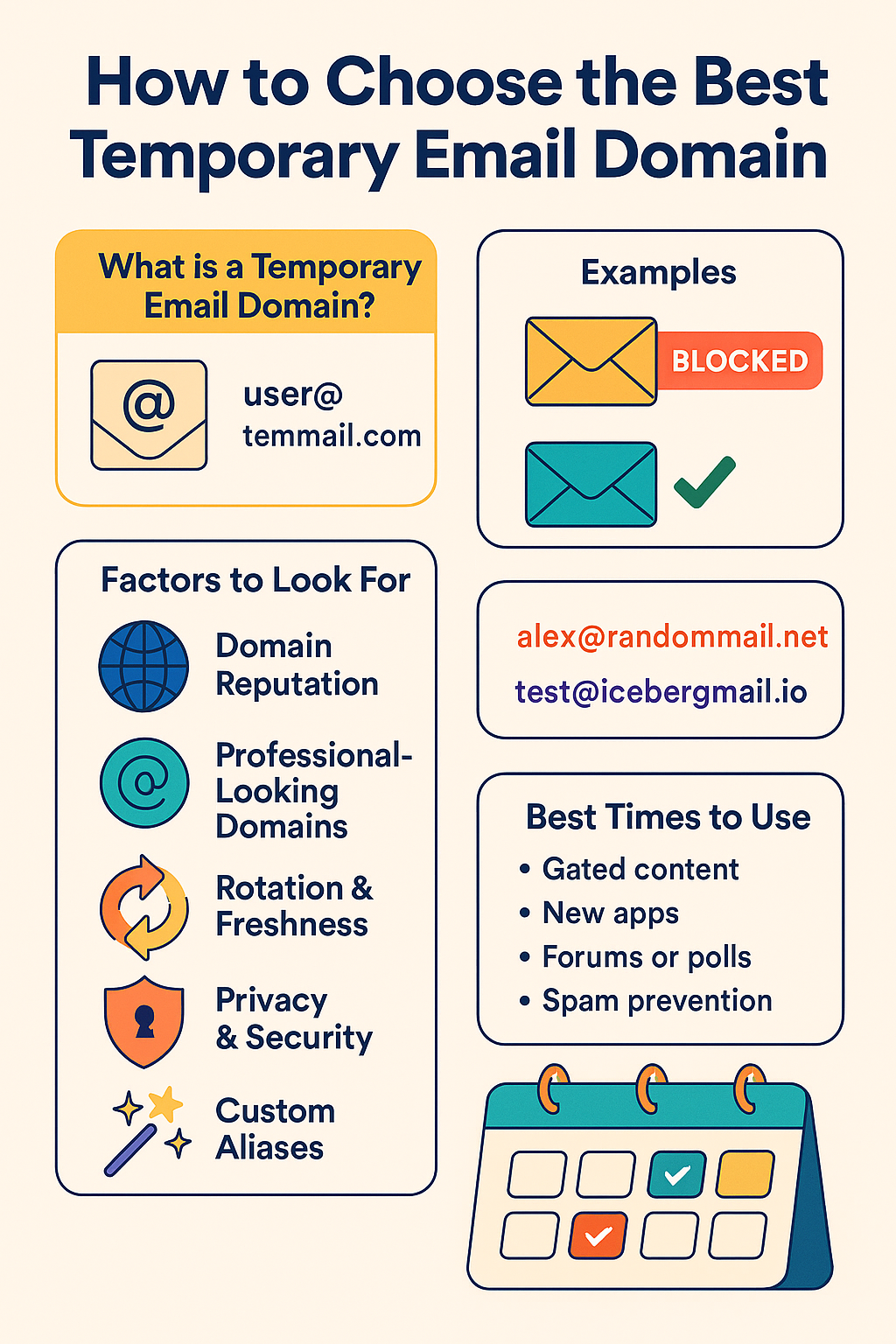
How to Choose the Best Temporary Email Domain
How to Choose the Best Temporary Email Domain 📨🔐
Imagine giving a stranger your home address every time you wanted a free sample or coupon. 🚪📦 It sounds risky, right? Online, we often do the same thing with our email address—handing it out to any website that asks. That’s why temporary email addresses (also called temp mail or disposable emails) exist.
But not all temporary email services are created equal. One of the most important factors to consider is the domain you’re using—because the domain determines whether your temp email will work reliably, get blocked, or even expose you to security risks.
So how do you choose the best temporary email domain? Let’s break it down.
✅ What Is a Temporary Email Domain?
A temporary email domain is the part after the “@” in your disposable address (e.g., user@tempmail.com). It’s what websites see when you sign up.
Example:
alex@randommail.net→ here, randommail.net is the domain.Example:
test@icebergmail.io→ here, icebergmail.io is the domain.
Think of the domain like the license plate on a rental car. 🚗 No matter what you name yourself, that plate is what others see first—and sometimes, they’ll decide whether to let you through the gate just based on it.
💡 Why Domain Choice Matters
Not all domains are equal. Some are trusted and accepted everywhere, while others are flagged as disposable and instantly blocked.
Example 1: Signing Up for a Free Trial
If you use a common domain like
@tempmail.com, the website may block it immediately because it’s on a known blacklist.But if you use a less obvious, rotating domain provided by a reliable service, the sign-up works smoothly.
Example 2: Downloading an Ebook
Some marketing sites filter known throwaway domains.
A temp domain with a professional look (like
@mailcloud.io) is less likely to raise red flags compared to something like@trashmail.biz.
🛑 Common Misunderstandings (Corrected)
“Any temp domain works everywhere.” ❌ Wrong.
Many platforms actively block domains on disposable email blacklists. That’s why using a “burned” domain (heavily abused for spam signups) often fails.“Temp domains are 100% private.” ❌ Not always true.
Some free temporary email services keep inboxes public—meaning anyone can see your messages if they know the address. Always check the provider’s privacy policy.“One domain is enough.” ❌ Not really.
The best services rotate multiple domains so you can pick one that works best for the site you’re using.
🔍 Factors to Look for in the Best Temporary Email Domain
Here’s what makes a good choice (with examples):
1. Domain Reputation 🌐
Choose a provider with domains that aren’t blacklisted everywhere.
Example: A generic domain like
@tempmail.commay fail on popular platforms.Better Example: Services like Iceberg Mail rotate domains so one always works.
2. Professional-Looking Domains 🏢
Domains that look real are less likely to be flagged.
Example:
@junkmail123.bizscreams disposable.Better Example:
@fastmailbox.netlooks closer to a normal provider.
3. Rotation & Freshness 🔄
The best providers regularly rotate domains to avoid being blacklisted.
Example: If
@quickmail.iogets blocked, you can switch to@cloudinbox.org.
4. Privacy & Security 🔒
Check if inboxes are private. Public inboxes mean anyone can read your mail.
Example: Many free “no-login” services leave messages open to the public.
Better Example: Services that give you a private, unique inbox.
5. Custom Aliases ✨
Some providers let you generate aliases under trusted domains.
Example:
alex@icebergmail.iocan be replaced withalex123@icebergmail.ioinstantly, giving you fresh options.
🎯 Best Times to Use a Strong Temporary Domain
Signing up for gated content like PDFs, webinars, or coupons.
Testing new apps without giving away your main inbox.
Joining forums or polls where you don’t want your personal info tied.
Avoiding spam floods when you only need something once.
Not Recommended For:
Banking, healthcare, or sensitive accounts (temp domains may expire or be insecure).
🧊 The Iceberg Mail Advantage
Unlike many free services, Iceberg Mail gives you access to rotating, professional-looking temporary domains with privacy protection built in.
That means:
Fewer blocks 🚫
Private inboxes 🔒
Easy alias creation ✨
Quick setup in seconds 🧊
It’s like having a closet full of disguises—always ready with the right look to get you in where you need to go. 🎭
📌 Bottom Line
Choosing the right temporary email domain is the difference between smooth sailing and constant frustration.
Pick a professional, less obvious domain.
Choose a provider that rotates domains regularly.
Always check for privacy and inbox security.
With the right domain, you get the freebies, access, or trial you wanted—without the spam nightmare in your real inbox.

