
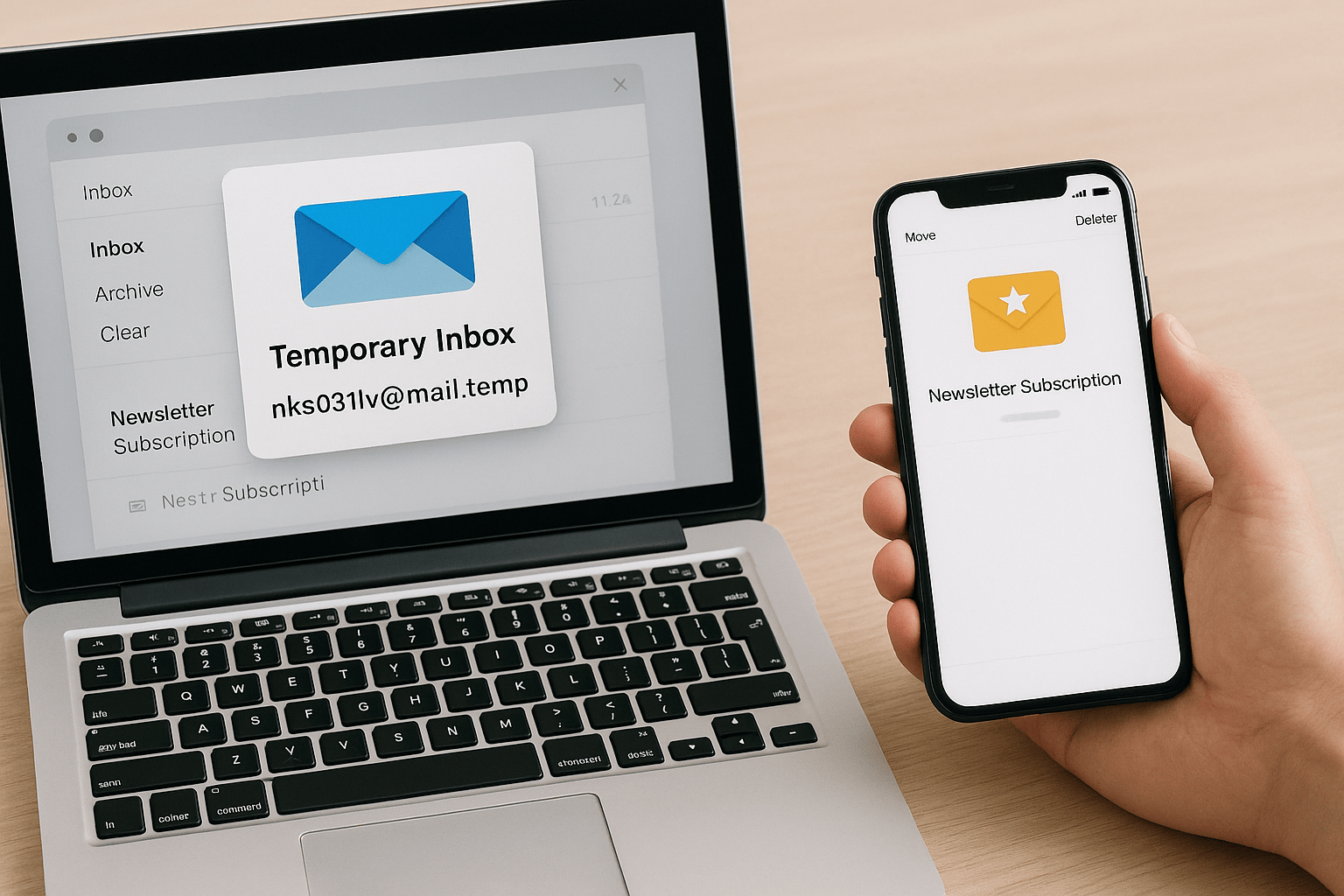
Temp Email 101: How to Use Disposable Mailboxes Without Losing Important Messages
Temp Email 101: How to Use Disposable Mailboxes Without Losing Important Messages 🧊📧✨
The Most Important Thing to Know
Temporary email addresses are a fantastic way to keep spam out of your main inbox—but they expire quickly. If you’re not careful, you could lose access to important messages like verification codes, order confirmations, or login details.
That’s why the golden rule of temp email is simple: use them for short-term tasks, but don’t rely on them for anything critical.
Temp Email Basics: What They Are
A temporary email (also called disposable email or burner email) is a short-lived inbox you can spin up instantly.
How they work: Services like 10 Minute Mail, Guerrilla Mail, or Iceberg Mail generate random addresses without sign-up.
Best for: Quick sign-ups, one-time downloads, or testing apps.
Not for: Banking, healthcare, or work logins that need ongoing verification.
Think of a temp mailbox like a paper ticket 🎟️—good for one entry, but not a lifelong pass.
Beginner Tips to Stay Safe
Match the expiration to the task.
Use a 10-minute inbox for single downloads.
Choose 24 hours or “until deleted” for trials and multi-step confirmations.
Forward or save key emails right away.
If you need a confirmation link later, forward it to your permanent inbox before the temp one vanishes.
Use aliases for ongoing accounts.
With Iceberg Mail, you can create deals@your-icebergmail.com for shopping, then shut it off when spam starts.
Avoid critical accounts.
Temp email should never be used for banking, healthcare, or recovery logins.
Stay organized.
Label or note which temp email you used for each sign-up to avoid confusion.
Where Iceberg Mail Makes It Easier 🧊
Iceberg Mail is beginner-friendly because it blends disposable and permanent features:
Flexible expiration → you choose when the inbox ends.
Aliases with forwarding → semi-permanent addresses you control.
Filters → automatic spam blocking and message organization.
It’s like having both a sticky note for quick reminders 📝 and a filing cabinet for long-term records 📂—so nothing slips through the cracks.
Background: Why Temp Mail Matters
Email spam and data breaches have exploded in the last two decades. Every time you give away your real email, you risk:
Endless promotions.
Phishing scams.
Leaks from data breaches.
Temporary emails exist to give you back control—protecting your inbox without forcing you to juggle multiple permanent accounts.
Final Word
If you’re just starting out:
Use temp emails for quick, low-risk sign-ups.
Forward important emails before they expire.
Switch to aliases for semi-permanent needs.
Done right, temp mailboxes give you the best of both worlds: convenience + privacy, without losing what matters most.

