
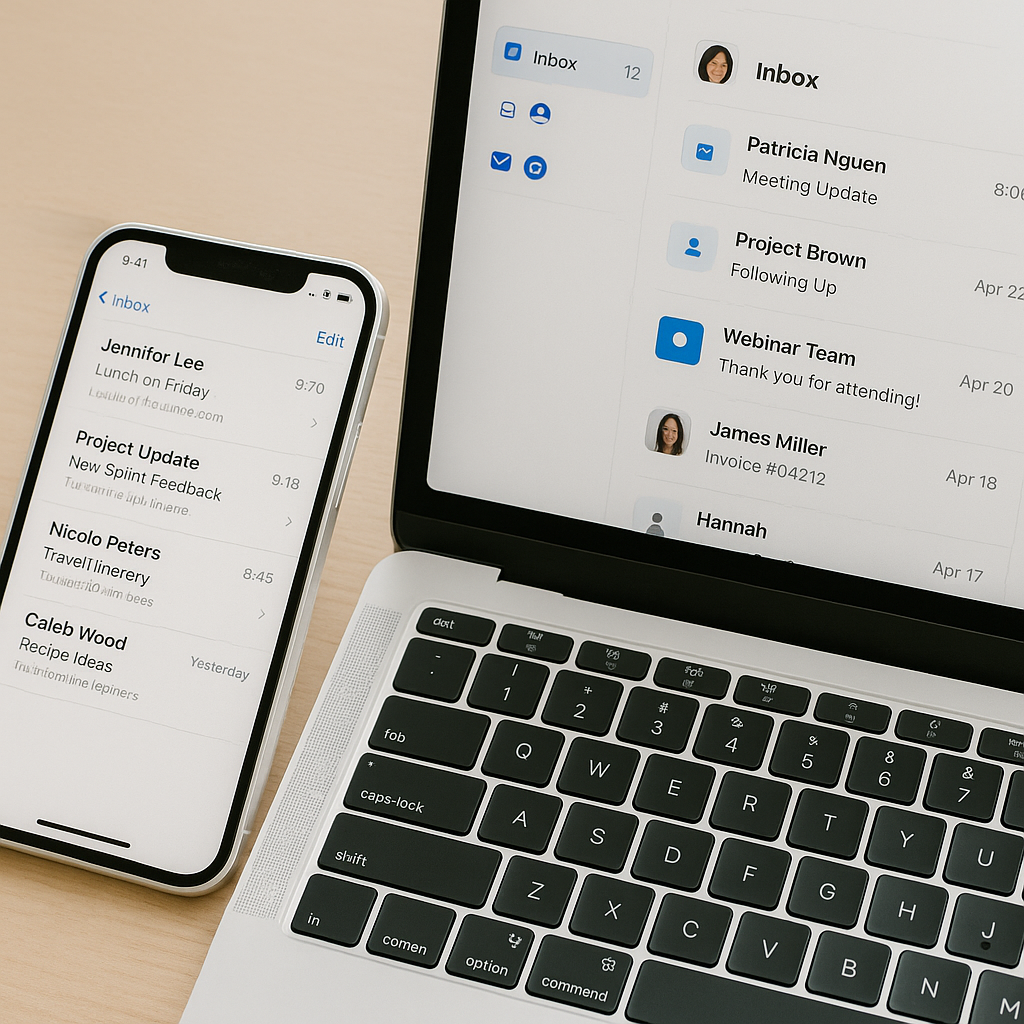
Managing Multiple Email Accounts with Less Stress
Managing Multiple Email Accounts with Less Stress 📨😌
In today’s world, one email address is rarely enough.
You might have:
A personal account for friends and family 👨👩👧👦
A work account for professional communication 💼
A side project or freelance account 🎨
Plus, a “sign-up account” for shopping and newsletters 🛒
While having multiple accounts helps keep life organized, it can also feel like spinning plates—always worried one will crash if you don’t check it in time. The good news? Managing multiple email accounts doesn’t have to be stressful. With the right tools and habits, you can make email management smoother and more efficient.
🛠 Strategies to Manage Multiple Accounts with Less Stress
1. Centralize with an Email Client
Instead of opening four tabs, bring everything into one dashboard.
Apps like Microsoft Outlook, Mozilla Thunderbird, Apple Mail, and even mobile apps allow you to sync multiple accounts in one place.
Example: You add both your work Gmail and personal Yahoo accounts to Outlook. Now you can read, reply, and search across both without switching windows.
2. Use Labels and Folders
Think of this like color-coding your closet—everything has its section.
Gmail uses Labels, Outlook uses Folders, and Iceberg Mail offers custom tagging.
Example: You tag all personal emails with “Family” and all project-related emails with “Clients.” When you open your inbox, you know exactly where to look without scanning through dozens of mixed messages.
3. Create Aliases for Simpler Organization
Aliases let you manage fewer inboxes without losing separation.
In Gmail, you can add
+keywordto your email (likealex+shopping@gmail.com).Outlook and Iceberg Mail let you create full aliases under the same account.
Example: You sign up for all newsletters with
alex+news@gmail.com. When you filter by that alias, all promotions sit neatly together, away from important messages.
4. Set Up Smart Filters
Filters are like personal assistants that sort mail the second it arrives.
Example: A rule sends all emails from your manager directly to a “Priority” folder, while shopping receipts go into “Orders.” This way, urgent emails never get buried under low-importance ones.
5. Schedule Inbox Check-Ins
Constantly checking every inbox creates unnecessary stress. Instead, set specific times.
Example: Check your work inbox at 9 AM, 1 PM, and 4 PM. Personal inbox after dinner. Side project inbox in the morning only. You’ll feel more in control and less distracted throughout the day.
6. Use Mobile Notifications Wisely
Turning on notifications for every account is a recipe for chaos.
Example: You mute notifications for your “sign-up account” but keep alerts on for your work email. That way, you’re only interrupted for what truly matters.
🧊 How Iceberg Mail Helps
Iceberg Mail was built for people who handle multiple inboxes daily. With it, you can:
Combine accounts in one place for a single streamlined view
Use custom aliases to cut down on spam and clutter
Apply shortcuts and filters that keep your workflow fast and organized
It’s like having a personal assistant who sorts, labels, and hands you only the emails you need—without the stress of shuffling between accounts.
✨ Bottom Line
Managing multiple email accounts doesn’t have to be overwhelming.
Centralize them in one client.
Use labels, folders, and aliases for organization.
Automate with filters and notifications.
Set boundaries with scheduled check-ins.
By making a few smart changes, your inboxes stop being a source of stress and start working like a team—organized, efficient, and calm. 🧘♀️📬

