
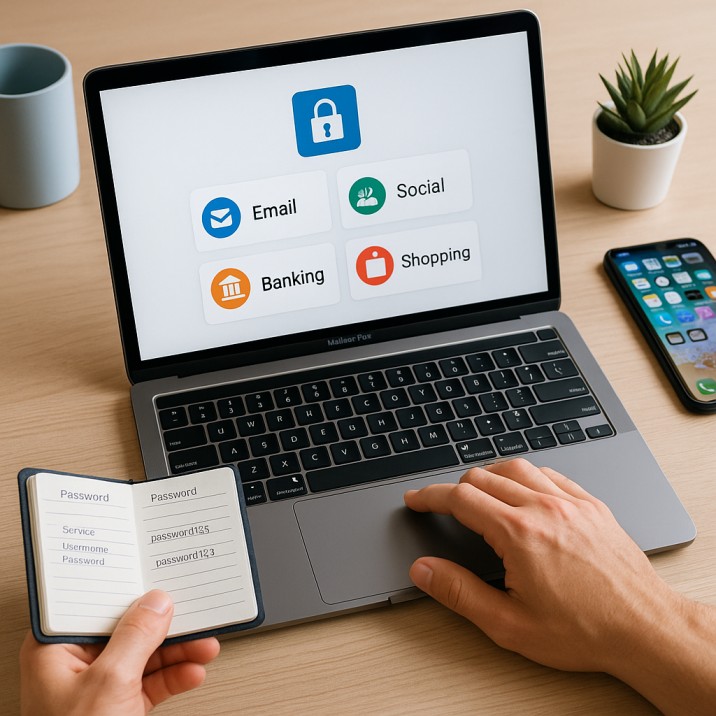
Quick Wins: Organizing Your Digital Accounts for Security & Productivity
Quick Wins: Organizing Your Digital Accounts 🧩💻
Ever feel like your digital life is scattered across too many places? One password for streaming, another for work tools, a dozen old accounts you don’t even use anymore… It’s like having drawers stuffed with random keys but not knowing which lock they belong to. 🔑
The truth is: most of us manage dozens—sometimes hundreds—of digital accounts. The more accounts you juggle, the harder it is to stay secure and productive. The good news? With just a few quick wins, you can bring order to the chaos.
1. Start with a Password Manager
Think of a password manager as your digital keychain—one secure vault that holds all your logins.
Tools like 1Password, LastPass, Dashlane, and Bitwarden safely store passwords and autofill them when you log in.
Example: Instead of remembering 20 different passwords, you only need to remember your master password. The manager does the rest—filling in credentials for email, banking, or Netflix automatically.
2. Audit and Delete Unused Accounts
Old accounts can become security risks. If the platform suffers a data breach, your info may be exposed even if you don’t use it anymore.
Example: You once signed up for an online forum that you haven’t visited in years. By deleting that account, you eliminate a potential entry point for hackers.
Quick win: Use a service like Have I Been Pwned to check if your email appears in past breaches.
3. Use Separate Emails for Different Purposes
Not every account needs access to your primary email. Splitting accounts helps you organize and adds a layer of security.
Example:
Use your main email for banking and important services.
A secondary email for newsletters, coupons, and sign-ups.
A work email for professional communication only.
This way, a flood of promo emails won’t bury an important bank alert.
4. Enable Two-Factor Authentication (2FA)
2FA adds a second lock to your accounts, often via an app or text code. Even if someone guesses your password, they can’t get in without that code.
Example: You log in to your Gmail on a new device. Even with your password, Google asks for a code from your Authenticator app. Without it, access is denied.
✅ True: Security experts recommend app-based 2FA (like Google Authenticator or Authy) over SMS, since SMS can be intercepted.
5. Label & Organize Accounts with Aliases
If you use Gmail or Outlook, you can create aliases or add “+keywords” to your email address.
Example:
Sign up for shopping sites with
alex+shopping@gmail.com.Use
alex+news@gmail.comfor newsletters.When emails come in, you know instantly which account they’re tied to—and you can filter them into folders.
6. Keep a Master List (But Store It Securely)
Even with a password manager, it’s helpful to have a master list of accounts—just names of services, not passwords.
Example: A simple, encrypted note in your password manager labeled “My Accounts” could list: Netflix, Spotify, Gmail, Dropbox, Bank, etc.
This ensures you don’t forget which accounts exist when reviewing or closing old ones.
🧊 How Iceberg Mail Helps with Organization
Iceberg Mail makes account management simpler by letting you:
Create temporary emails for short-term sign-ups.
Use aliases to separate categories (shopping, work, news).
Apply smart filters so account notifications go to the right folder.
It’s like hiring a personal organizer for your digital closet—everything in the right place, easy to find, and secure. 🧳
✨ Bottom Line
Managing digital accounts doesn’t have to be overwhelming. A few quick wins—like using a password manager, separating emails, enabling 2FA, and cleaning up old accounts—can save you hours of frustration and reduce security risks.
By treating your digital accounts like keys on a well-organized keychain, you’ll always know where things are and feel more in control. 🔐

